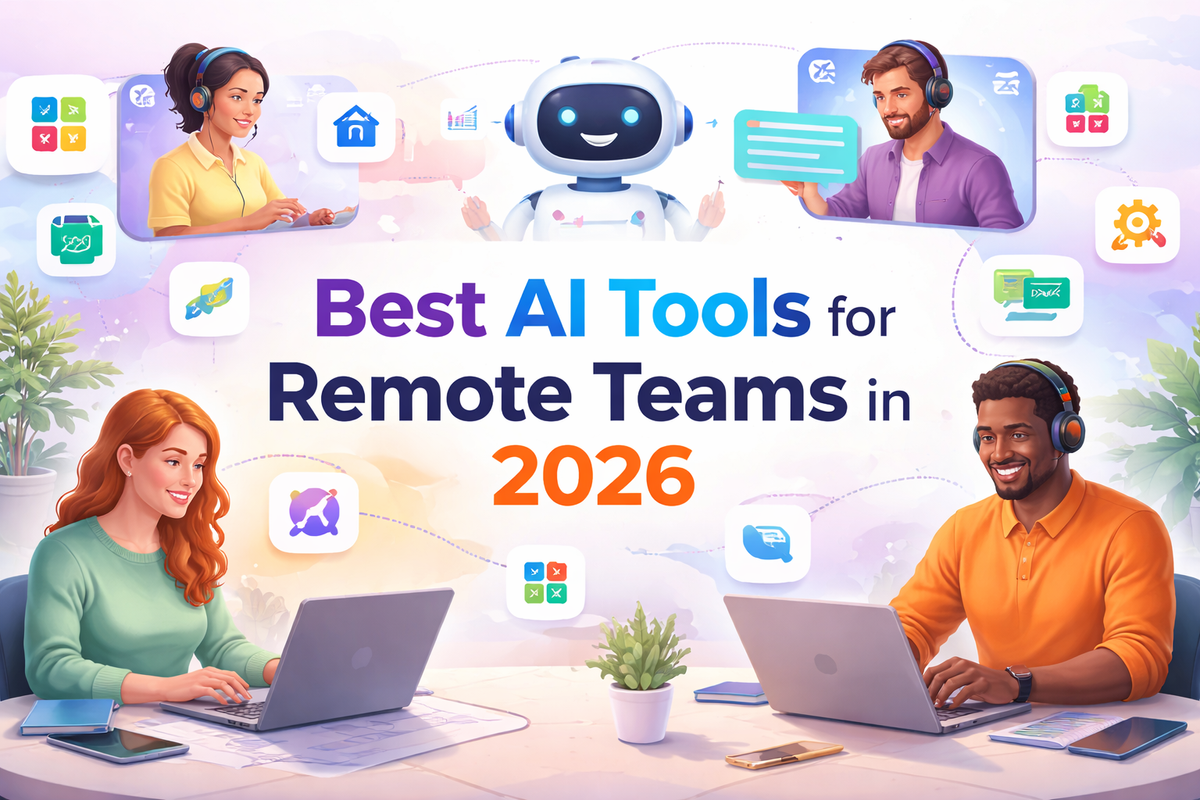
Best AI Tools for Remote Teams: The Complete Guide for High-Performing Teams in 2026
Looking for the best AI tools for remote teams in 2026? This guide covers top tools for communication, automation, and productivity—helping distributed teams save time, reduce meetings, and scale faster.
Introduction
The Remote Work Revolution Demands Smarter Tools
Remote work is no longer an experiment — it is the standard operating model for thousands of businesses worldwide. But managing distributed teams across time zones, cultures, and communication styles is one of the most complex challenges modern organizations face.
The solution is not more meetings or longer email threads. It is smarter technology. In 2026, the best AI tools for remote teams are fundamentally changing how distributed teams communicate, collaborate, track work, and deliver results — faster and with far less friction.
This guide covers the top AI-powered tools every remote team needs, what to look for when choosing them, and how to build a tech stack that keeps your team aligned no matter where they are in the world.
What Makes an AI Tool Right for Remote Teams?
Not every AI tool is built for the complexity of remote work. The best ones share a common set of qualities. They work asynchronously so team members in different time zones are never blocked waiting for a response. They integrate with your existing stack so you are not forcing your team to learn five new platforms at once. They surface the right information at the right time — reducing the need for constant check-ins and status update meetings. And they learn from your team's behavior to get smarter and more useful over time.
When evaluating any AI tool for your remote team, ask these three questions. Does it reduce back and forth communication? Does it give managers visibility without micromanaging? And does it actually save time rather than create more work to maintain?
Top AI Tools Every Remote Team Needs in 2026
1) Notion AI — Knowledge Management and Documentation
For remote teams, documentation is everything. Notion AI takes your team's knowledge base and makes it intelligent. It summarizes long documents, answers questions about your internal wikis, auto-generates meeting notes, and helps writers create first drafts faster. Instead of spending 20 minutes searching for a process document, team members simply ask Notion AI and get an instant answer. Best for: Teams that rely heavily on documentation, wikis, and internal knowledge sharing.
2) Otter.ai — AI Meeting Assistant
Remote meetings are expensive in time and attention. Otter.ai automatically transcribes every meeting in real time, identifies action items, assigns them to team members, and sends a summary to everyone who attended — or could not attend. No more "what did we decide in that call?" moments. Best for: Teams running frequent video calls across time zones who need reliable meeting records.
3) Loom AI — Async Video Communication
Loom lets remote teams replace unnecessary meetings with short recorded videos. Its AI layer auto-generates titles, summaries, and chapters for every video — making it easy for recipients to skim and find exactly what they need. It eliminates the "this could have been an email" problem while keeping communication human and clear. Best for: Teams that want to communicate context-rich information without scheduling yet another meeting.
4) Slack AI — Intelligent Team Messaging
Slack has always been the backbone of remote team communication. In 2026, its AI layer now summarizes entire channel threads, surfaces important messages you missed, and helps you draft responses. Instead of scrolling through 200 unread messages after a long weekend, Slack AI gives you a concise briefing of everything that matters. Best for: Any remote team using Slack as their primary communication hub.
5) Zoom AI Companion — Smart Video Conferencing
Zoom's AI Companion generates real-time meeting summaries, suggests next steps, and answers questions about what was discussed in previous calls — all without you having to take a single note. It also helps compose chat messages and emails directly from the Zoom interface. Best for: Teams running large video meetings with multiple stakeholders and complex decision-making.
6) Zapier — Workflow Automation Across Tools
Clockwise uses AI to optimize your team's calendars automatically. It finds the best meeting times that protect focus blocks, reschedules low-priority meetings when conflicts arise, and gives managers visibility into how their team's time is actually being spent. For remote teams where time zones create constant scheduling headaches, Clockwise is a game changer. Best for: Remote teams struggling with meeting overload and fragmented focus time.
How to Build the Right AI Tech Stack for Your Remote Team
Building an AI toolkit for a remote team is not about collecting the most tools — it is about choosing the right combination that covers your core needs without overwhelming your team.
Start with communication. Every remote team needs a reliable async messaging tool like Slack and a video tool like Zoom. These are non-negotiable foundations.
Layer in documentation next. Notion AI or a similar knowledge management platform ensures your team always has access to the information they need — without having to ask someone.
Add project tracking on top. Whether it is Asana, ClickUp, or Monday.com, your team needs one central place where work lives, deadlines are visible, and progress is tracked.
Then automate the connections between these tools using Zapier or a similar platform. This is where significant time savings happen — eliminating the manual work of moving information from one tool to another.
Finally, add AI meeting assistance like Otter.ai to capture decisions and action items automatically so nothing falls through the cracks.
Start with these five layers and resist the temptation to add more until your team has fully adopted each one.
Common Mistakes Remote Teams Make When Adopting AI Tools
The biggest mistake is adopting too many tools at once. Each new platform requires onboarding time, a learning curve, and ongoing maintenance. Start with one or two tools that solve your most painful problems first.
The second mistake is choosing tools that do not integrate with your existing stack. Always check that any new AI tool connects with the platforms your team already uses before committing to a subscription.
The third mistake is not measuring the impact. Before adopting any AI tool, define what success looks like. Is it fewer meetings? Faster project delivery? Less time spent on status updates? Track these metrics from day one so you can justify the investment and identify what is actually working.
The Future of AI Tools for Remote Teams
The next generation of remote work AI is moving toward fully autonomous team assistants — tools that not only support your team but actively coordinate work on their behalf. AI agents will schedule meetings, draft proposals, follow up with clients, and escalate risks without any human input. The remote teams that build strong AI foundations today will be positioned to lead when these capabilities become mainstream.
Frequently Asked Questions
What are the best AI tools for remote teams in 2026?
The top AI tools for remote teams in 2026 include Notion AI for knowledge management, Otter.ai for meeting transcription, Loom AI for async video, Slack AI for team messaging, and Zapier for workflow automation. The best combination depends on your team size and primary pain points.
Are AI tools for remote teams expensive?
Most AI productivity tools offer tiered pricing starting from free or low-cost plans. Tools like Notion AI, Otter.ai, and Loom all offer entry-level plans suitable for small teams, with enterprise pricing for larger organizations.
Can AI tools replace remote team managers?
No — AI tools support managers by reducing administrative overhead and surfacing useful data, but human judgment, leadership, and relationship-building remain irreplaceable in remote team management.
How do I get my remote team to actually adopt new AI tools?
Start with tools that solve an immediate and obvious pain point. Run a short onboarding session, designate a team champion for each tool, and give the team 30 days before evaluating adoption. Forced adoption never works — value-driven adoption does.
Build a Smarter Remote Team Starting Today
The distance between your team members does not have to mean distance in collaboration, communication, or results. The right AI tools close that gap — making remote teams faster, more aligned, and more productive than many in-office teams.
The key is starting intentionally, choosing tools that integrate well, and measuring what matters. Build your AI stack one layer at a time and let the results speak for themselves.
Ready to build the right AI toolkit for your remote team? Humive helps distributed teams identify the right tools, integrate them seamlessly, and build automated workflows that keep everyone aligned — no matter where in the world they work. Let's build your smarter remote team together. humive.com