Microsoft Power Automate for Automation: How Businesses Can Save Millions and Increase team Productivity
Learn how Microsoft Power Automate helps businesses reduce operational costs, automate repetitive tasks, and increase productivity without hiring more staff.
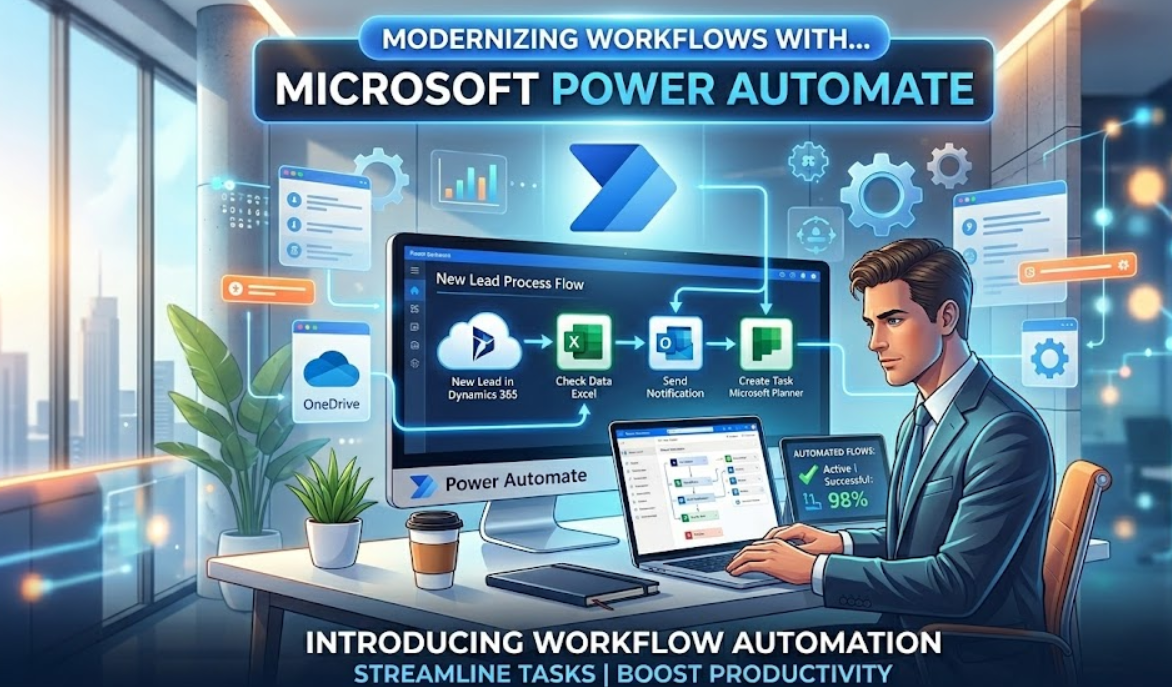
In today’s competitive business environment, companies are constantly under pressure to do more with less. Rising operational costs, increasing customer expectations, and limited human resources make it difficult for businesses to scale efficiently.
Hiring more staff is not always the smartest or most sustainable solution. Instead, forward-thinking organizations are investing in automation to improve efficiency and control costs.
Microsoft Power Automate is one of the most powerful automation platforms available today. It helps businesses streamline repetitive tasks, reduce manual errors, improve compliance, and increase overall productivity — without increasing headcount.
In this blog, we’ll explore how Microsoft Power Automate works, its key features, real-world applications, and how businesses can use it to reduce operational expenses while maximizing team output.
What Is Microsoft Power Automate?
Microsoft Power Automate is a cloud-based workflow automation tool that allows businesses to create automated processes between applications and services.
It enables organizations to connect tools such as:
- Microsoft Outlook
- SharePoint
- Excel
- Microsoft Teams
- Dynamics 365
- OneDrive
- Third-party apps like Salesforce, Dropbox, Google Drive, Slack, and many more
With hundreds of pre-built connectors available, Power Automate makes it possible to integrate systems without complex coding. Workflows are created using triggers and actions, allowing even non-technical teams to design and manage automation processes.
How Microsoft Power Automate Works :
Every automated workflow in Power Automate follows a simple structure:
- Trigger – An event starts the process (e.g., receiving an email, form submission, file upload).
- Actions – Predefined steps execute automatically (e.g., send notification, update database, create record).
- Conditions (Optional) – Logic-based rules decide what happens next.
- Approvals & Notifications – Stakeholders are informed or asked to approve tasks.
Power Automate supports both:
- Cloud-based automation
- On-premise system integration
This flexibility makes it suitable for businesses of all sizes.
Why Businesses Struggle Without Automation :
Many organizations still rely heavily on manual processes for:
- Data entry across multiple systems
- Email follow-ups
- Internal approval chains
- Document management
- Report generation
- Task assignments
These repetitive tasks consume valuable employee time and reduce overall efficiency. Over time, this leads to:
- Increased operational costs
- Frequent human errors
- Delayed responses
- Reduced employee morale
- Poor customer experience
Instead of hiring additional staff to manage increasing workloads, automation allows businesses to handle more work with the same team.
How Microsoft Power Automate Saves Costs :
This is where Microsoft Power Automate plays a major role by providing Automate workflow:-
1. Reduces Administrative Work
Automation handles repetitive tasks automatically, reducing dependency on manual labor. This minimizes the need for additional hiring.
2. Minimizes Costly Errors
Manual data transfers often result in mistakes that require rework. Automated workflows ensure data accuracy and consistency across systems.
3. Accelerates Business Processes
Approval workflows, alerts, and notifications occur in real-time. Faster processing improves decision-making and customer response times.
4. Improves Resource Utilization
Employees can focus on strategic, revenue-generating activities while automation manages routine tasks.
5. Enhances Compliance and Tracking
Power Automate maintains logs of actions and approvals, improving audit trails and regulatory compliance.
Real-World Use Cases of Microsoft Power Automate
Lead Management Automation
When a potential customer fills out a website form:
- The data is automatically added to CRM
- The sales team receives a notification
- A personalized follow-up email is sent
No manual intervention required.
Invoice Approval Workflow
Invoices submitted by vendors:
- Trigger an approval request
- Get reviewed by the finance team
- Automatically update accounting records
This reduces delays and improves financial control.
HR and Employee Onboarding
For new hires:
- HR receives documents automatically
- IT is notified to create login credentials
- Welcome emails are scheduled
- Access to internal systems is provisioned
Automation creates a smooth onboarding experience while reducing HR workload.
Key Benefits for Growing Businesses
Microsoft Power Automate is especially valuable for small and mid-sized companies because:
- It integrates easily with Microsoft 365
- It requires minimal coding
- It is scalable as the business grows
- It supports both cloud and on-premise systems
Businesses can start small and gradually expand automation across departments.
Common Mistakes to Avoid
While automation is powerful, businesses should avoid:
- Automating broken processes without reviewing them
- Creating overly complex workflows
- Ignoring monitoring and optimization
- Failing to train employees on new systems
Automation should simplify operations, not complicate them.
How to Get Started with Microsoft Power Automate
- Identify time-consuming repetitive tasks
- Document and map your existing workflow
- Start with one high-impact automation
- Test thoroughly before scaling
- Monitor performance and optimize regularly
Gradual implementation ensures smoother adoption across teams.
Is your business working harder instead of working smarter?
At Humive, we help businesses transform manual, time-consuming processes into intelligent automated workflows using Microsoft Power Automate and modern cloud technologies. From streamlining operations to integrating business applications, our solutions are designed to improve productivity and reduce operational costs.
If you're ready to automate your business processes and scale efficiently, get in touch with our team today.
👉 Contact us here: humive.com